
Horn
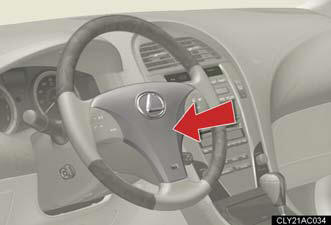
To sound the horn, press on or
close to the mark.
mark.
See also:
Bluetooth® audio system setup
System setup items and operation procedures
- Pattern A.
To enter the menu for each function, follow the steps below using a
voice command or :
- Pattern B.
1. Press to select “BT•A MENU”.
2. Se ...
SAFETY
The 2011 Lexus RX 350 received a Top Safety Pick award from the Insurance
Institute for Highway Safety. It received the top score of Good in
frontal-offset, side-impact, roof-strength and rear cra ...
Emission inspection and maintenance (I/M) programs
Some states have vehicle emission inspection programs which include
OBD (On Board Diagnostics) checks. The OBD system monitors the operation
of the emission control system.
If the malfunction indic ...