
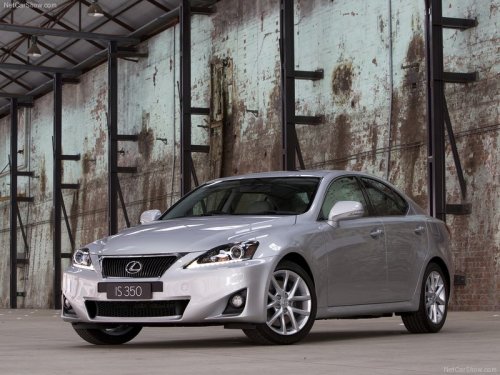
Lexus IS 350
Lexus IS 350
See also:
If your vehicle needs to be towed
If towing is necessary, we recommend having your vehicle towed by your
Lexus dealer or a commercial towing service, using a lift-type truck or a
flatbed truck.
Use a safety chain system for all tow ...
Tire information
Typical tire symbols
Standard tire
Compact spare tire
1. Tire size.
2. DOT and Tire Identification Number (TIN).
3. Location of treadwear indicators.
4. Tire ply composition and materials.
...
Setting up a Bluetooth® enabled portable player
Registering a portable player in the Bluetooth® audio system allows the
system to function. The following functions can be used for registered portable
players:
Functions and operation procedures
...