
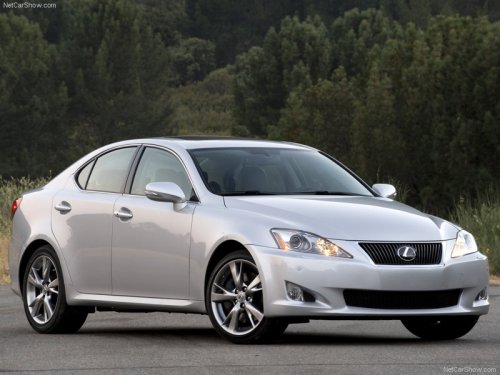
Lexus IS 350 (2009)
Lexus IS 350 (2009)
See also:
Power (ignition) switch
Performing the following operations when carrying the electronic key on
your person starts the hybrid system or changes “POWER” switch modes.
Starting the hybrid system
1. Check that the parking br ...
Features
While the RX 450h is reasonably priced to start at $42,110, adding options
quickly ratchets up the sticker price. Items you might find standard on other
cars in this class, like those heated and c ...
Front passenger occupant classification system
Your vehicle is equipped with a front passenger occupant classification
system.
This system detects the condition of the front passenger seat and activates
or deactivates the devices for the front ...