
Audio system
- Vehicles with a navigation system.
Owners of models equipped with a navigation system should refer to the “Navigation System Owner’s Manual”.
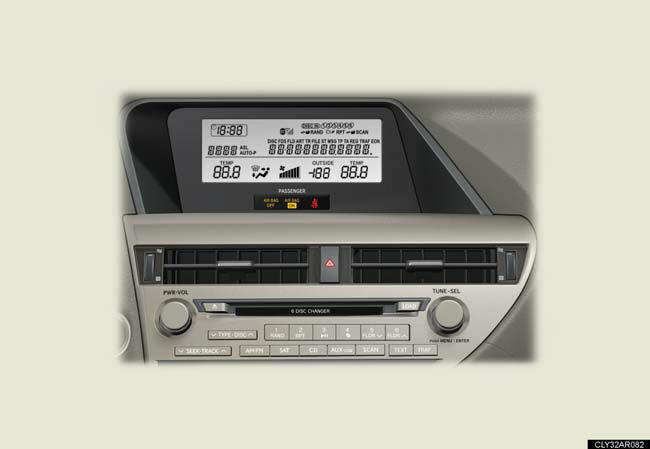
- Vehicles without a navigation system (type A).
CD player with a changer and AM/FM radio.
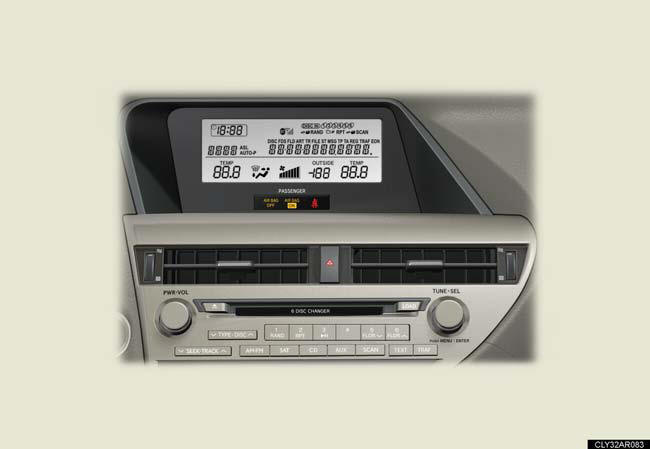
- Vehicles without a navigation system (type B).
CD player with a changer and AM/FM radio.
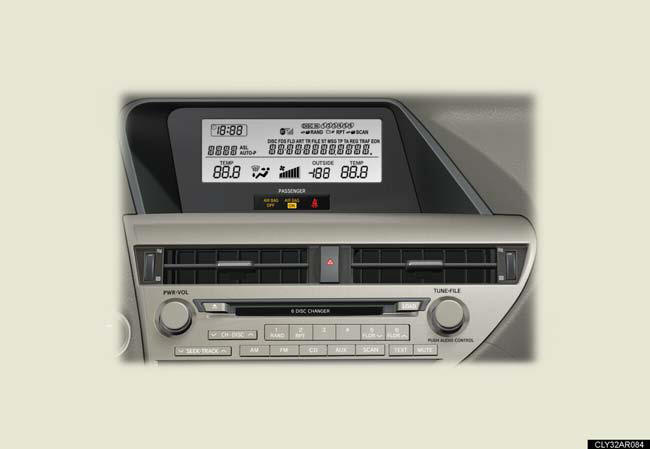
- Vehicles without a navigation system (type C).
CD player with a changer and AM/FM radio.
Using mobile phones
Interference may be heard through the audio system’s speakers if a mobile
phone is
being used inside or close to the vehicle while the audio system is operating.
CAUTION:
Certification
Part 15 of the FCC Rules
FCC Warning:
Any unauthorized changes or modifications to this equipment will void the user’s
authority to operate this device.
Laser products
• Do not take this unit apart or attempt to make any changes by yourself.
This is an intricate unit that uses a laser pickup to retrieve information from
the
surface of compact discs. The laser is carefully shielded so that its rays
remain
inside the cabinet. Therefore, never try to disassemble the player or alter any
of its parts since you may be exposed to laser rays and dangerous voltages.
• This product utilizes a laser.
Use of controls or adjustments or performance of procedures other than those specified herein may result in hazardous radiation exposure.
NOTICE:
To prevent 12-volt battery discharge
Do not leave the audio system on longer than necessary when the hybrid system is
off.
To avoid damaging the audio system Take care not to spill drinks or other fluids over the audio system.
See also:
If your vehicle overheats
The following may indicate that your vehicle is overheating:
l “ENGINE OVERHEAT” is shown on the multi-information display:
The engine may be overheating.
“HYBRID SYSTEM OVERHEAT” is shown on the m ...
Cleaning and protecting the vehicle interior
The following procedures will help protect your vehicle's interior and
keep
it in top condition:
Protecting the vehicle interior
Remove dirt and dust using a vacuum cleaner. Wipe dirty surfaces
...
Luxury/Comfort/Convenience
Lexus' craftsmanship and attention to detail provide true luxury by design in
the Lexus ES 350. Standard leather-trimmed seating is available in three colors.
For 2010, the Ultra Luxury Package ad ...