
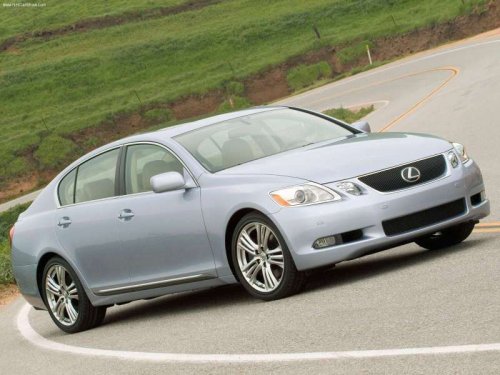
Lexus GS
Lexus GS
See also:
Auxiliary box
Auxiliary box
To open, press down the knob.
CAUTION:
Caution while driving
Keep the auxiliary box closed.
In the event of sudden braking, personal injury may result from contact due to
movemen ...
Automatic Transmission
Select a shift position appropriate for the driving conditions.
Shifting the shift lever
While the “ENGINE
START STOP” switch is
in IGNITION ON
mode, depress the brake
pedal and move the shift ...
Most Recent Lexus RX 330
Available from 2004 through 2006, the Lexus RX 330 brought more power, more
room, more luxury features and more aggressive styling to Lexus' popular midsize
luxury SUV.
Still loosely based on th ...