
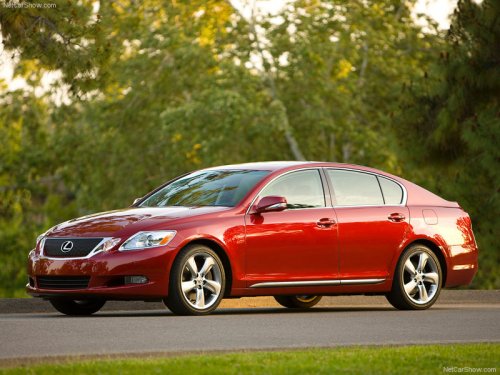
Lexus GS
Lexus GS
See also:
Outside rear view mirrors
Mirror angle can be adjusted using the switch when the “ENGINE START
STOP” switch is in ACCESSORY or IGNITION ON mode.
1. Select a mirror to adjust
(L: left or R: right).
2. Adjust the mirror up ...
Safety/Security Features
The Lexus GX 460, like all Lexus models, is equipped with an array of dynamic
safety systems. Vehicle Stability Control (VSC) helps keep the Lexus GX 460
going on its intended course by detecting ...
Luxury/Comfort/Convenience
Lexus' craftsmanship and attention to detail provide true luxury by design in
the Lexus ES 350. Standard leather-trimmed seating is available in three colors.
For 2010, the Ultra Luxury Package ad ...