
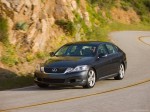
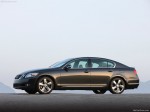
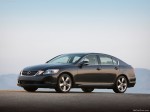
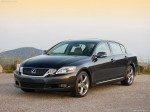
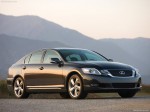
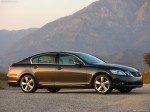
Lexus GS 350 (2010)
|
|
|
|
|
|
See also:
Winter driving tips
Carry out the necessary preparations and inspections before driving the
vehicle in winter. Always drive the vehicle in a manner appropriate to the
prevailing weather conditions.
Pre-winter preparat ...
Parking brake
1. Sets the parking brake*.
(Depressing the pedal again
releases the parking brake.)
*: Fully depress the parking brake
pedal with your left foot while
depressing the brake pedal with
your rig ...
Power windows
The power windows can be opened and closed using the following
switches.
1. Closing.
2. One-touch closing*.
3. Opening.
4. One-touch opening*.
*: Pushing the switch in the opposite
direction ...