
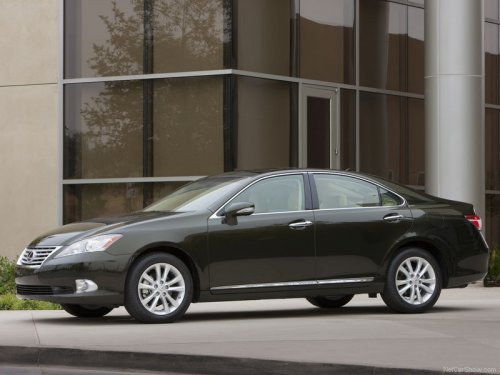
Lexus ES
Lexus ES
See also:
Clock
The clock is displayed when the “POWER” switch is in ACCESSORY or
ON mode. Perform the following steps to adjust the clock.
- Without a navigation system
1. Adjusts the hours.
2. Adjusts the min ...
Multi-information display
The multi-information display presents the driver with a variety of
drivingrelated
data, including the current outside air temperature.
Trip information.
Displays driving range, fuel consumptio ...
Automatic air conditioning system
Airflow and outlets are automatically adjusted according to the
temperature
setting.
With navigation system.
Owners of models equipped with a navigation system should refer to the
“Navigation Sy ...