
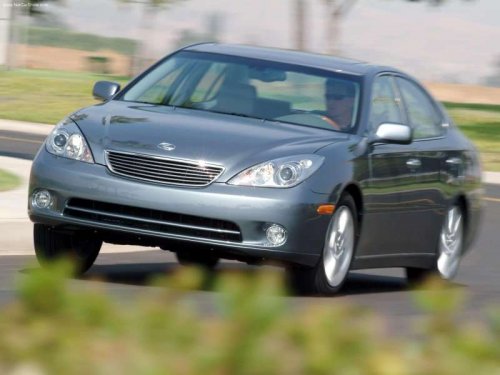
Lexus ES
Lexus ES
See also:
Engine compartment
1. Brake fluid reservoir.
2. Engine oil filler cap.
3. Engine oil level dipstick.
4. Power control unit coolant
reservoir.
5. Fuse boxes.
6. Engine coolant reservoir.
7. Radiator.
8. Conden ...
Most recent Lexus GS 300
Last redesigned for 2006, the third-generation Lexus GS 300 lasted only one
year, as Lexus installed a powerful new 3.5-liter V6 in its rear-drive midsize
sedan the following year, prompting a nam ...
Gauges and meters
1. Hybrid System Indicator.
Displays hybrid system output or regeneration level.
2. Multi-information display.
3. Speedometer.
Displays the vehicle speed.
4. Fuel gauge.
Displays the quantity ...