
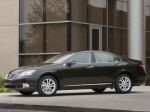
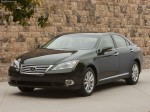
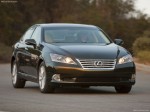
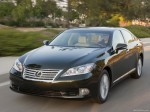
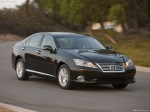
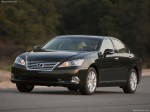
Lexus ES 350 (2010)
|
|
|
|
|
|
See also:
Driving Impressions
The pleasant, enjoyable GX 470 shines brightest when traveling off-road.
Active TRAC stays quite busy when going uphill, while Downhill Assist Control is
amazing. Unless you touch the gas or brake ...
Safety
There were plenty of safety features in the Lexus GX, but they weren't
exactly cutting-edge. Newer safety features like a blind spot warning system and
a radar-based collision preparation system h ...
Wireless remote control
The wireless remote control can be used to lock and unlock the vehicle.
It also opens and closes the back door.
- Vehicles without a power back door.
1. Locks all the doors.
2. Unlocks all the d ...