
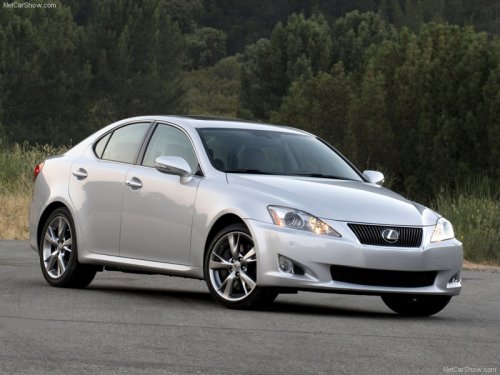
Lexus IS 350 (2009)
Lexus IS 350 (2009)
See also:
Exterior
There's no argument that the GX 470 is a pretty SUV. This was a full-sized
mama with curves in all the right places. The GX was big without being bulky or
obnoxious, like some of the other huge SU ...
If the vehicle 12-volt battery is discharged
The following procedures may be used to start the hybrid system if the
vehicle’s
12-volt battery is discharged.
You can also call your Lexus dealer or a qualified repair shop.
If you have a set o ...
Setting up a Bluetooth® enabled portable player
Registering a portable player in the Bluetooth® audio system allows the
system to function. The following functions can be used for registered portable
players:
Functions and operation procedures
...