
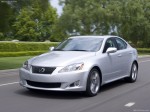
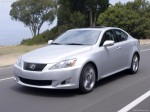
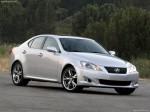
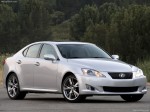
Lexus IS 350 (2009)

|
|
|

|
|
|
See also:
Cup holders
Cup holders
Front
To open, press down and release
the front of the cup holder lid.
Rear
Using the cup holder (front) to store small items
Remove the holder.
The cup holder (front) can be ...
XM - Beyond Radio
Lexus Enform vehicles are factory ready for subscriptions to a variety of
innovative XM services. Lexus Enform vehicles feature XM NavTraffic® and XM
NavWeather™ services. XM NavTraffic informs th ...
XM - Beyond Radio
As part of the Lexus Enform navigation platform, the Lexus GX 460 is
factory-ready for a variety of innovative services including XM NavTraffic®, XM
NavWeatherTM and XM® Sports and Stocks.
XM Na ...