
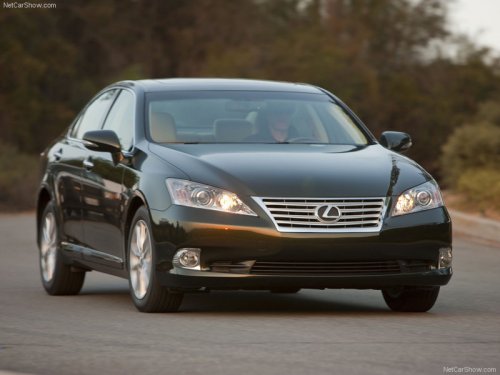
Lexus ES
Lexus ES
See also:
Safety/Security Features
The Lexus GX 460, like all Lexus models, is equipped with an array of dynamic
safety systems. Vehicle Stability Control (VSC) helps keep the Lexus GX 460
going on its intended course by detecting ...
Chassis/Body/Suspension/Tires/Brakes
The Lexus ES 350 owes its smooth, quiet ride in large part to a rigid unibody
structure that allows the four-wheel independent suspension to be tuned to
provide responsive handling agility and ult ...
Fifth Gear Lexus LS review
Could this be the LS that finally catapults Lexus into the big time? The
all-new fourth generation car is a big step forward over its predecessors,
especially the slab-sided model it replaces. Now ...