
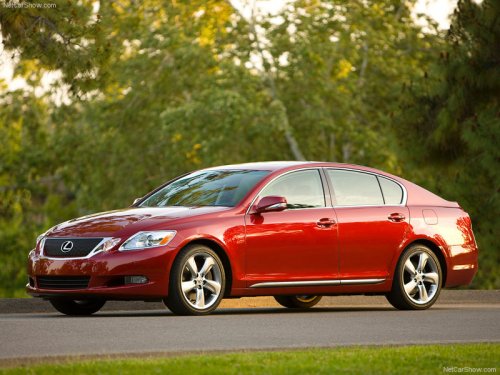
Lexus GS
Lexus GS
See also:
Using the radio
- Type A
- Type B
- Type C
Setting station presets (excluding XM® Satellite Radio)
1. Search for the desired stations by turning
or
or
pressing or
on
.
2. Press and hold the button ( ...
Theft prevention labels (for USA)
These labels are attached to the
vehicle to reduce vehicle theft
by facilitating the tracing and
recovery of parts from stolen
vehicles. Do not remove under
penalty of law. ...
Dynamic radar cruise control
Dynamic radar cruise control supplements conventional cruise control with a vehicle-to-vehicle distance control. In the vehicle-to-vehicle distance control mode, the vehicle automatically accelerates ...